

Wizardo casino app
The Wizardo casino app works as a Progressive Web App (PWA). This means it is not a traditional app downloaded from the App Store or Google Play, but a mobile version of the site that can be added to the phone’s home screen.
 With this access, players can log in to the account, open available games, check the wallet, view active promotions and contact support through the device browser. The experience may vary depending on the phone, browser, internet connection, account status and technical availability of each game.
Wizardo casino app features
Our casino app is a more direct way to access Wizardo casino on a smartphone or tablet. Instead of searching for the site in the browser whenever you want to log in, you can save a shortcut on the home screen and open the platform with one tap.
The PWA uses the same account as the website. There is no need to create a separate mobile registration, but some features may depend on login, account verification, available payment method or the platform’s internal rules.
| Information | Details |
| Access type | Progressive Web App (PWA) through the browser |
| Download | No App Store or Google Play required |
| Compatibility | Android and iOS with a compatible browser |
| Installation | Shortcut on the device home screen |
| Account | Uses the same login as the web version |
| Features | Access to account, games, wallet, promotions and support |
| Requirements | Stable connection, updated browser and active login session |
| Security | Avoid saving sessions on shared devices |
How to install the Wizardo on Android
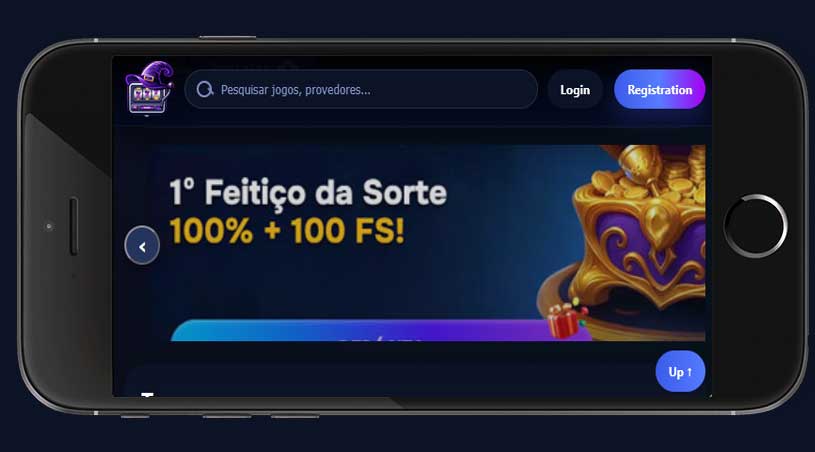 On Android, installation is done directly through the browser. The name of the option may vary depending on the version of Chrome or another compatible browser.
- Open the Wizardo casino site in your phone browser.
- Tap the browser menu, usually shown as three dots.
- Choose “Add to Home Screen”, “Install app” or a similar option.
- Confirm the shortcut name and complete the installation.

After confirmation, the icon becomes available on the home screen. If the option does not appear, update the browser, close and reopen the site, or confirm that you are using a compatible version.
How to install the Wizardo app on iPhone or iPad
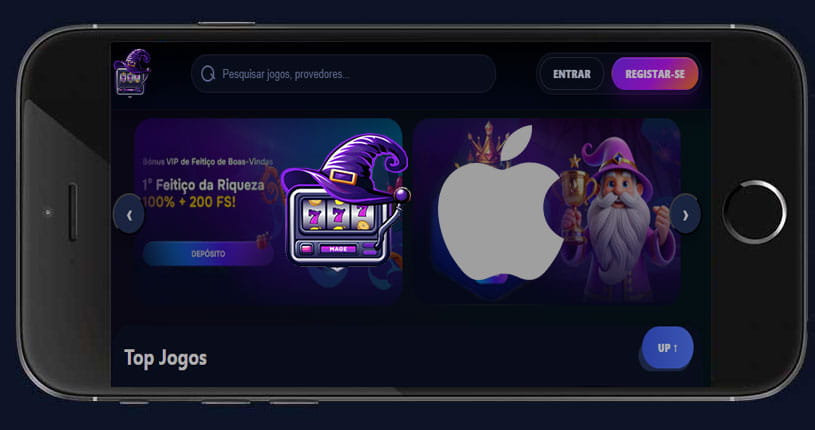 On iPhone and iPad, installation should be done through Safari. Other browsers may not show the same option to add the site to the home screen.
- Open the Wizardo casino site in Safari.
- Tap the share icon.
- Select “Add to Home Screen”.
- Confirm the shortcut name and tap “Add”.

After this step, the platform icon appears on the home screen. Access still depends on the internet connection and browser permissions, because the PWA does not fully replace a native application.
What you can do in the mobile version
The mobile version lets you access the main account areas from your phone. Players can log in, open available games, check balance, view active promotions, follow account information and use support when needed.
Available games may vary depending on the provider, device, browser and technical state of the session. If a game does not open correctly on mobile, try another browser, refresh the page or check whether an extension, VPN or blocker is interfering.
Promotions, rewards or loyalty areas may appear in the mobile version when they are available in the account. This page explains mobile access only; bonus, mission or reward conditions should be checked on the relevant pages or in the terms of each offer.
Security when using the casino on mobile
Using the casino on mobile is practical, but account security still matters. The device may save sessions, passwords and notifications, so users should avoid leaving access open on shared phones.
- use a strong password that is different from other services;
- do not share the phone with an active session open;
- avoid saving passwords on devices used by other people;
- log out after playing on shared phones or tablets;
- activate screen lock on the device;
- do not use unsafe public networks for payments or account changes.
If you suspect unauthorised access, changed details or misuse of the account, contact support as soon as possible.
Technical issues in the mobile version
Some problems may be linked to the browser, cache, internet connection or device compatibility. Before contacting support, try refreshing the page, closing and reopening the browser, clearing cache and cookies or restarting the phone.
If the issue continues, send a message to [email protected] with a clear description. Include the device model, operating system, browser used, game name or affected area, error message and screenshot if possible.
For requests related to account, wallet or payments, avoid sending passwords, CVV/CVC codes or sensitive documents unless officially requested by support.
Responsible gambling on mobile
Mobile access can make gambling easier to open at any moment, so clear limits are important. Before playing, decide how long you want to stay online and the maximum amount you accept spending.
Avoid gambling impulsively, when stressed, tired, irritated or trying to recover losses. If you notice that you open the app automatically without planning, make repeated deposits or find it hard to stop, consider taking a break and check the responsible gambling tools available on the platform.
FAQ
Is the Wizardo casino app a traditional application?
No. The Wizardo app works as a PWA, meaning a web version that can be added to the phone’s home screen. Access still happens through the browser, with no installation from the App Store or Google Play.
Do I need to download the app from an official store?
No files need to be downloaded from an app store. Installation is done from the browser itself, using the “Add to Home Screen” option or a similar one. If this option does not appear, check that you are using a compatible and updated browser.
Can I use the same account in the mobile version?
Yes, the mobile version uses the same account as the web platform. Just log in with your usual access details. Some operations, such as withdrawals or account changes, may require additional verification.
Do all games work on mobile?
The mobile version gives access to games available in the account, but availability and loading may vary by provider, device, browser and internet connection. If a game does not open, refresh the page, try another browser and check whether VPNs or blockers are active.
Do bonuses and promotions appear in the app?
Promotions available in the account may also be viewed through mobile access when supported by the platform. The conditions of each offer still depend on its own terms, including wagering, time limits, eligible games and applicable restrictions.
What should I do if the PWA does not open correctly?
Start by checking the internet connection, updating the browser and clearing cache and cookies. If the problem continues, remove the shortcut from the home screen and add it again. For support, contact [email protected] and send the device model, browser, visible error and screenshot.